

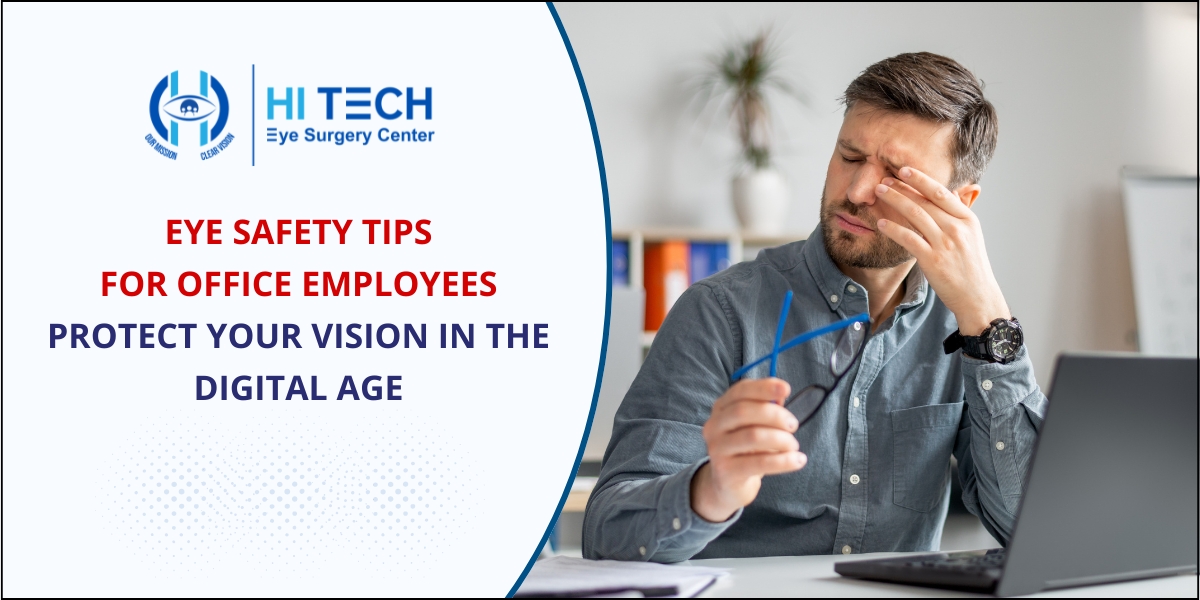
In today’s digital workplace, office employees spend several hours in front of computers, laptops, tablets, and smartphones. While technology has improved productivity, prolonged screen exposure can lead to eye discomfort, vision problems, and reduced work efficiency. Understanding and following essential eye safety tips can help maintain healthy vision and prevent digital eye strain.
Whether you work from home or in a corporate office, taking care of your eyes should be a priority. This guide covers practical and effective eye care tips for office workers to keep their vision healthy and comfortable throughout the workday.
Why Eye Safety is Important for Office Employees
Most office professionals spend 6 to 10 hours daily looking at digital screens. Extended screen time can cause a condition known as Digital Eye Strain or Computer Vision Syndrome, resulting in symptoms such as:
- Dry eyes
- Eye fatigue
- Blurred vision
- Headaches
- Neck and shoulder pain
- Difficulty focusing
Many people often search online for terms like “eye strain from computer screen,” “how to protect eyes while working on computer,” and “best eye care tips for office workers” because these issues have become increasingly common in modern workplaces.
1. Follow the 20-20-20 Rule
One of the most effective ways to reduce eye strain is by following the 20-20-20 rule.
Every 20 minutes:
- Look away from your screen.
- Focus on an object at least 20 feet away.
- Continue looking for 20 seconds.
This simple habit relaxes your eye muscles and reduces fatigue caused by prolonged screen focus.
2. Adjust Your Screen Position
Proper monitor placement can significantly improve visual comfort.
Recommended Setup:
- Position your monitor about 20-28 inches from your eyes.
- Keep the screen slightly below eye level.
- Avoid excessive upward or downward viewing angles.
When employees search for “correct computer screen position for eyes” or “office ergonomics for eye health,” proper monitor alignment is one of the most important recommendations.
3. Optimize Screen Brightness and Contrast
Your screen should not be significantly brighter or darker than your surrounding environment.
Tips:
- Adjust brightness to match room lighting.
- Increase text size if necessary.
- Use comfortable contrast settings.
- Enable dark mode if it feels more comfortable for prolonged use.
Proper display settings help reduce visual stress and improve reading comfort.
4. Blink More Often
People naturally blink less while working on computers. Reduced blinking can cause dryness and irritation.
To keep your eyes lubricated:
- Make a conscious effort to blink frequently.
- Close your eyes for a few seconds periodically.
- Stay hydrated throughout the day.
If you frequently search for “dry eyes from computer work” or “how to stop eye dryness while working,” increasing blink frequency is one of the simplest solutions.
5. Use Proper Office Lighting
Poor lighting can increase eye strain and cause glare on screens.
Best Practices:
- Avoid harsh overhead lighting.
- Reduce glare from windows.
- Use blinds or curtains when needed.
- Position your monitor perpendicular to windows.
A well-lit workspace creates a more comfortable viewing environment and reduces visual fatigue.
6. Consider Blue Light Protection
Digital devices emit blue light, which may contribute to eye fatigue and disrupted sleep patterns.
Helpful Measures:
- Use blue light filtering glasses if recommended.
- Enable blue light reduction settings on devices.
- Activate night mode during evening work hours.
Many professionals searching for “blue light glasses for office employees” or “blue light filter for computer screen” are looking for ways to improve visual comfort during long workdays.
7. Maintain Proper Workstation Ergonomics
Eye health is closely connected to overall workstation setup.
Ensure:
- Your chair supports good posture.
- Feet rest flat on the floor.
- Wrists remain comfortable while typing.
- The monitor is centered directly in front of you.
Good ergonomics reduce physical strain and help maintain optimal viewing angles.
8. Take Regular Breaks
Continuous screen use without breaks can overload your visual system.
During work hours:
- Stand up every hour.
- Stretch your body.
- Walk around briefly.
- Rest your eyes away from digital screens.
Short breaks improve circulation and help refresh both the eyes and mind.
9. Keep Your Eyes Hydrated
Air-conditioned office environments often contribute to dry eye symptoms.
To reduce dryness:
- Drink sufficient water throughout the day.
- Consider using a humidifier if the air is dry.
- Consult an eye specialist about lubricating eye drops if symptoms persist.
Hydration plays a crucial role in maintaining a healthy tear film and eye comfort.
10. Schedule Regular Eye Examinations
Even if you do not wear glasses, routine eye check-ups are essential.
Regular eye examinations can:
- Detecting vision changes early.
- Identify digital eye strain issues.
- Screen for conditions such as glaucoma and cataracts.
- Ensure your prescription remains up to date.
Signs You Should Visit an Eye Specialist
Seek professional eye care if you experience:
- Persistent headaches while using screens
- Frequent eye redness
- Blurred vision
- Excessive tearing or dryness
- Difficulty focusing
- Double vision
Ignoring these symptoms may affect productivity and long-term eye health.
Eye Safety at Work: Small Habits, Big Benefits
Protecting your eyes does not require major lifestyle changes. Simple habits such as taking breaks, maintaining proper screen distance, blinking regularly, and scheduling routine eye exams can significantly reduce eye strain and support long-term vision health.
As screen time continues to increase in modern workplaces, prioritizing eye safety has become essential for maintaining productivity, comfort, and overall well-being.
Expert Eye Care at Hi Tech Eye Surgery Center, Pune
If you are experiencing eye strain, dry eyes, blurred vision, or other vision-related concerns due to prolonged computer use, Hi Tech Eye Surgery Center offers comprehensive eye care services in Pune with advanced diagnostic technology and experienced eye specialists. The center provides complete eye examinations, treatment for dry eye syndrome, computer vision syndrome management, cataract care, glaucoma screening, LASIK consultation, and retina evaluations. Whether you are searching for “best eye hospital in Pune,” “eye specialist for computer eye strain in Pune, ” or “advanced eye care center in Pune,“ Hi Tech Eye Surgery Center is committed to helping patients achieve and maintain optimal eye health through personalized care and modern treatment solutions.
FAQs
1. How can I reduce eye strain while working on a computer?
Follow the 20-20-20 rule, blink frequently, maintain proper screen distance, and take regular breaks.
2. What is Computer Vision Syndrome?
Computer Vision Syndrome is a group of eye and vision problems caused by prolonged use of digital screens.
3. Are blue light glasses useful for office employees?
Blue light glasses may help improve visual comfort for some users, especially during extended screen use.
4. How often should office workers get an eye check-up?
Most adults should have a comprehensive eye examination every 1–2 years, or as advised by their eye specialist.
5. Can computer screens permanently damage eyesight?
Digital screens generally do not cause permanent vision damage, but prolonged use can lead to temporary eye strain, discomfort, and dry eyes.


